The catalogue
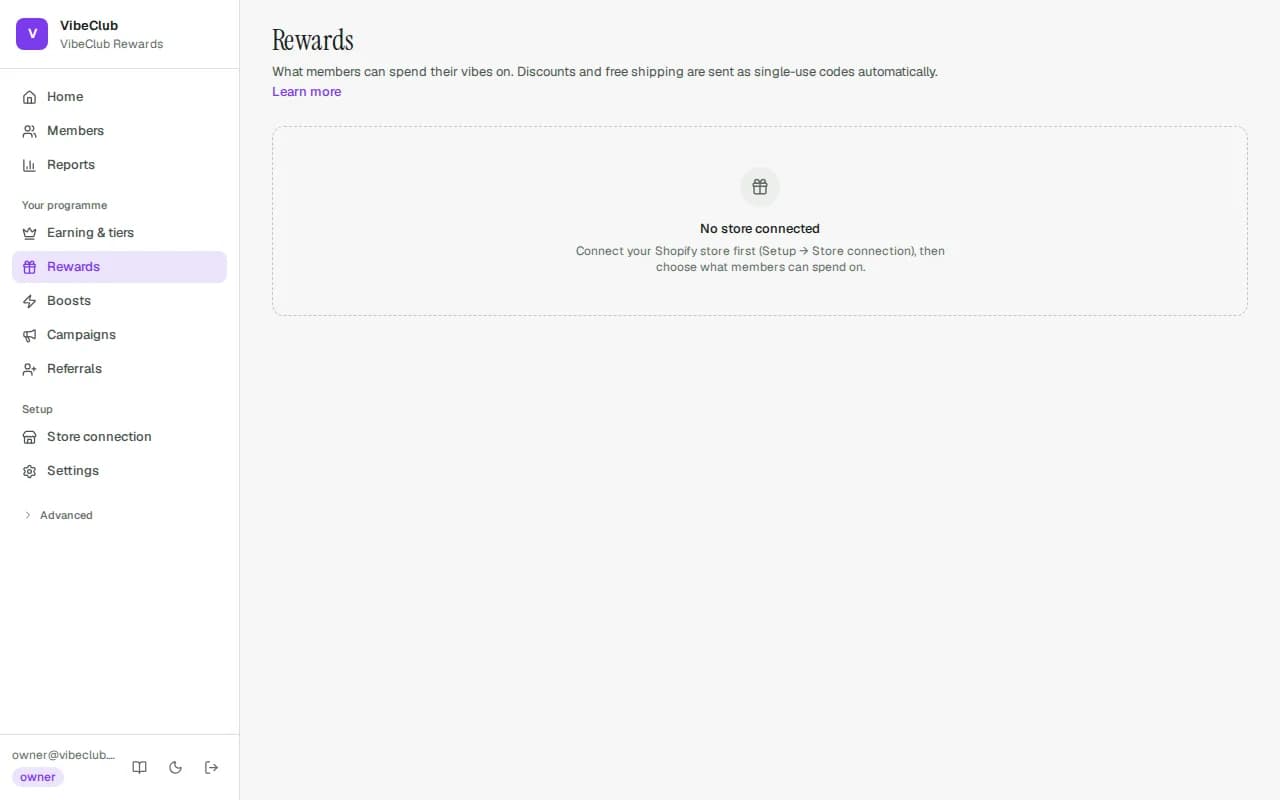
The Rewards page defines what members redeem for. Open New reward, choose What do members get?, fill in what it costs, and press Add reward:
- Money off an order (₹100 off) · Percent off an order (15% off) · Free shipping · A free product — each issued straight away as a single-use Shopify code.
- Store credit (fixed amount) and Store credit (member picks the amount) — real money on the customer's Shopify account, applied automatically at checkout with no code to enter. A fixed store-credit reward can instead be set to be added by hand, in which case it waits in the queue below.
- Exclusive access · A service or perk — handled by your team from the queue below.
Rewards are issued in your Shopify store, so the page asks you to connect one first. Remove takes a reward off the list; codes already issued keep working. The StickyTier app inside your Shopify admin can add and remove money-off, percent-off and free-shipping rewards too.
Store credit
Store credit is the only reward that is actual money rather than a discount. It sits on the customer's Shopify account, applies itself at checkout, and can be spent across several orders. Two shapes:
- Fixed — a set exchange, e.g. 5,000 coins for ₹500.
- Member chooses the amount — switch it on in the Store credit card under Settings → Programme rules and say what 100 coins are worth (100 = one coin per one unit of your currency — ₹1, $1, €1). Members get a slider on their rewards page: they drag it to pick how much credit they want, see exactly how many coins it uses and what is left, and convert. Optional limits set the smallest and largest conversion. Worth preferring: fixed rungs strand coins, because someone with 7,000 sitting against a 5,000 rung takes one and leaves 2,000 they can never use.
What a coin is worth comes from this catalogue. Your landing page states it — "1 coin = ₹0.50", say, when a ₹250 discount costs 500 coins — using your best money reward (fixed discounts and store credit), and says "up to" when rewards price coins differently. Percent, free-shipping and product rewards have no money rate, so a catalogue of only those makes no claim at all.
The portal shows the full catalogue; rewards a member can't afford are visible but disabled with exactly how much more they need — a nudge, not a wall. Unused discount codes return their value to the wallet after expiry, automatically.
Rewards to send out
Rewards your team hands over wait at the top of the Rewards page under Rewards to send out. Press Mark as sent (with an optional note, such as the gift card code you issued) once it's done; Cancel & give back returns the coins instantly. Both are recorded in the activity log with the person who did it.
Welcome, birthday & anniversary bonuses
Welcome bonus. Set it in the Welcome bonus card on Earning & tiers (0 = off). Everyone who joins after you switch it on gets it once, for life: through your rewards page, through "open my rewards" with their store account, or when your own system enrols them over the API with accepted terms. It lands within a minute of their first sign-in — so an email that is never confirmed never earns it (after 30 days the sign-up stops qualifying) — and shows in their activity as a welcome gift. Existing members, customers you import and shoppers who haven't joined never get it, and changing the amount or switching it off and on again never pays anyone twice. With second-admin approval on, raising it waits for another teammate who can manage rules; lowering it or switching it off applies straight away.
Birthday and anniversary. Set the amounts in the Birthday & anniversary treats card under Settings → Programme rules (0 = off). Members share their birthday on the Account screen of your rewards page — their choice, editable, removable. Each bonus is granted automatically once per year (join-date anniversaries skip the join year), lands as an available "promotional grant" the member sees explained in their history, and can never double-fire — restarts, retries and re-runs all collapse to a single grant.