Approvals is the one place for everything waiting on a person's yes or no. Nothing listed there pays out, or disappears, until someone decides. It only takes a spot in the sidebar while something is waiting; it is always reachable from the "needs attention" strip on Home.
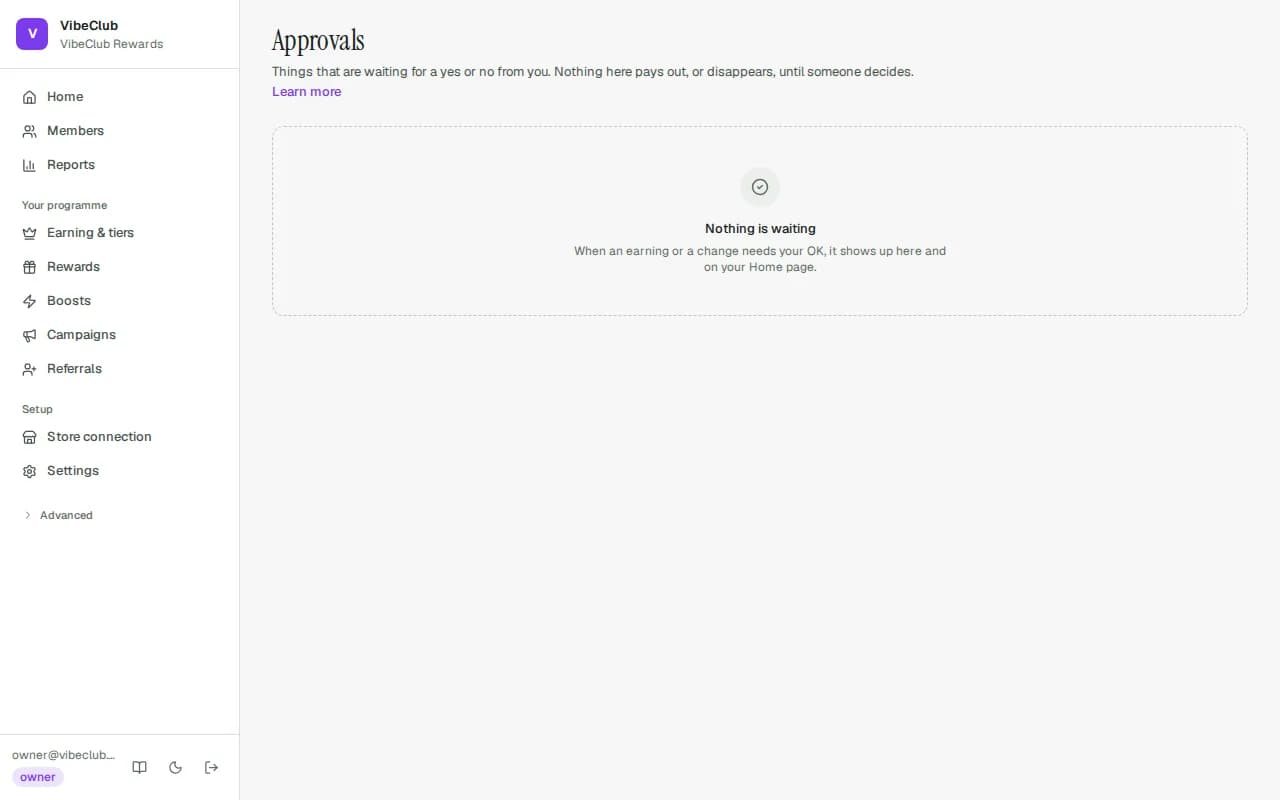
Order earnings waiting for your OK
An earn lands here for one of two reasons:
- The boost's release timing is After you approve each one — every order it touches waits for a person.
- The order was never marked paid, shipped or delivered in Shopify. After 30 days we stop guessing and ask you instead.
Each row says which. Approve releases the points to the member (and starts their expiry clock, if you have one). Reject (with an optional reason) closes the earn for good. Anyone who can adjust balances — owner, admin, Customer support, Support lead — can decide these.
Changes waiting for a second approver
These appear only if you switched on the safeguards under Settings → Programme rules → Advanced → Approvals & safety:
- Changes that give members more need a second person — anything that raises what members get waits for someone else to approve it: publishing a boost that raises earning (including a brand-new one), restoring an older programme version that was more generous, raising the starting rate, adding a richer tier or making a tier easier to reach, bigger referral rewards or looser referral limits, starting or resuming a campaign, bigger birthday or anniversary bonuses, looser spending limits, switching on or raising the Welcome bonus (shown as "Welcome bonus: … for every new member"), and creating a live API key (see Developers & API keys). Changes that lower generosity, pausing and switching things off go straight through.
- Removing a member’s balance needs approval — every manual debit waits, whatever the amount.
- An approval limit (the “Manual changes above … need approval” field) — credits or debits larger than the amount you set wait, and so does an import of member balances above it, or an adjustment sent through the API (listed as "via API key …").
These rules apply to everyone, owners and admins included, and nobody can approve their own request. Rule, tier, reward, campaign and referral-reward amount changes need someone who can manage rules (Marketing, owner or admin); referral limits and timing are Programme rules settings, so they need an owner or admin; balance changes and balance imports need Finance, Support lead, owner or admin; programme settings and API keys need an owner or admin.
If you're the only person who could approve it, a request would wait forever, so you go ahead yourself — but only after signing in again (within your re-check window, or the last 15 minutes if you haven't set one). The activity log records that you approved it alone. Invite a second admin or finance teammate to share the checks.
If what a request would change has been edited since it was asked for, approving it is refused — ask for a fresh request, so nobody approves something they didn't see.
What is not here
Suspicious referrals stay on Referrals (see Referrals & fraud); rewards your team has to hand over stay on Rewards. Your own pending requests are listed under Your requests so you can see they are still waiting — nobody can decide their own.